
To start finding leads:
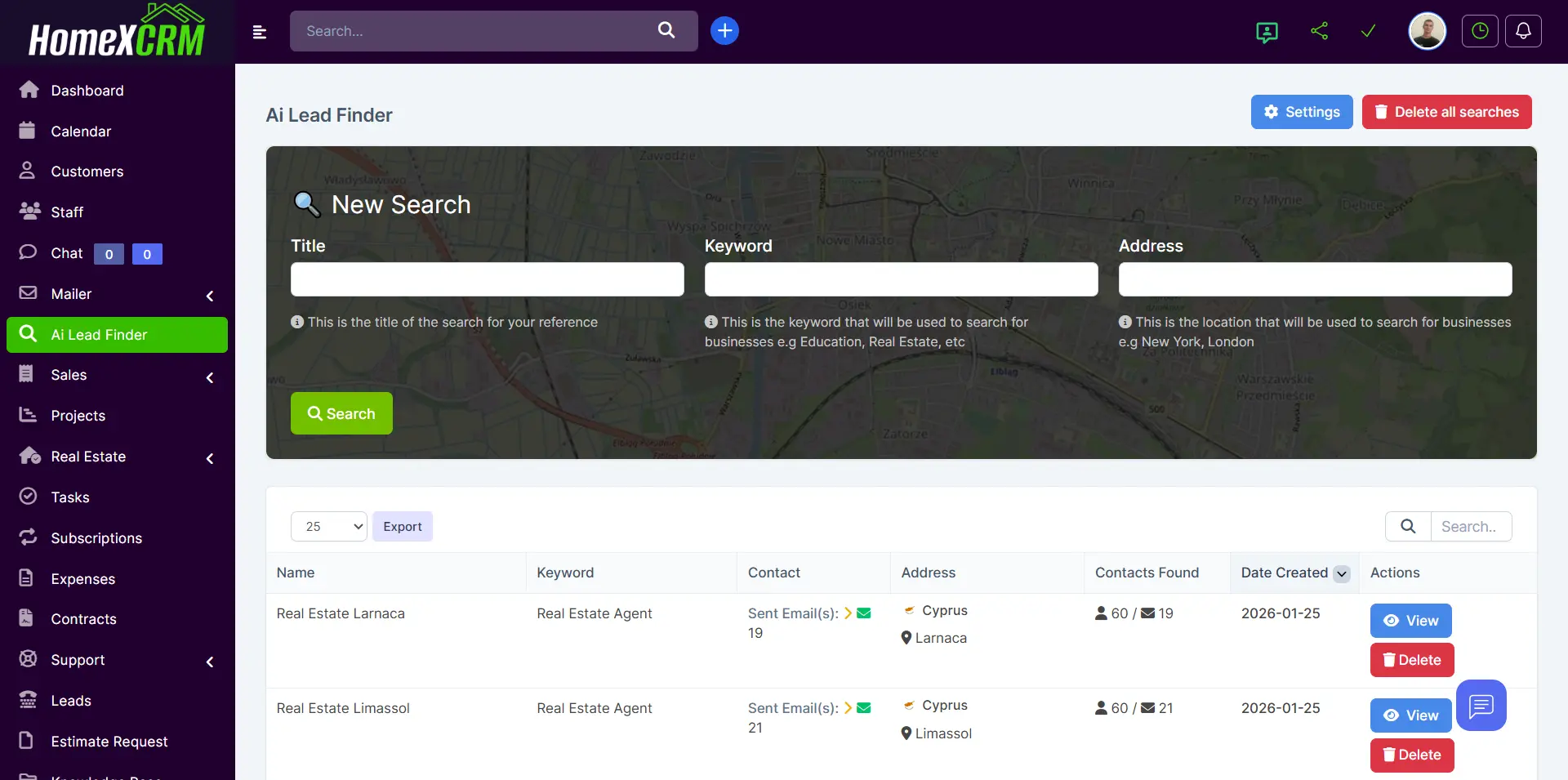
- Click 🔍 New Search
- Fill in the required fields:
Search Fields
| Field | Description |
|---|---|
| Title | Internal name of the search for reference (e.g., “Real Estate London”) |
| Keyword | Business category or industry (e.g., Real Estate Agent, Web Development, Education) |
| Address | Location to search (City, Region, or Country) |
- Click Start Search
The system will scan businesses within the defined radius (configured in Settings).