
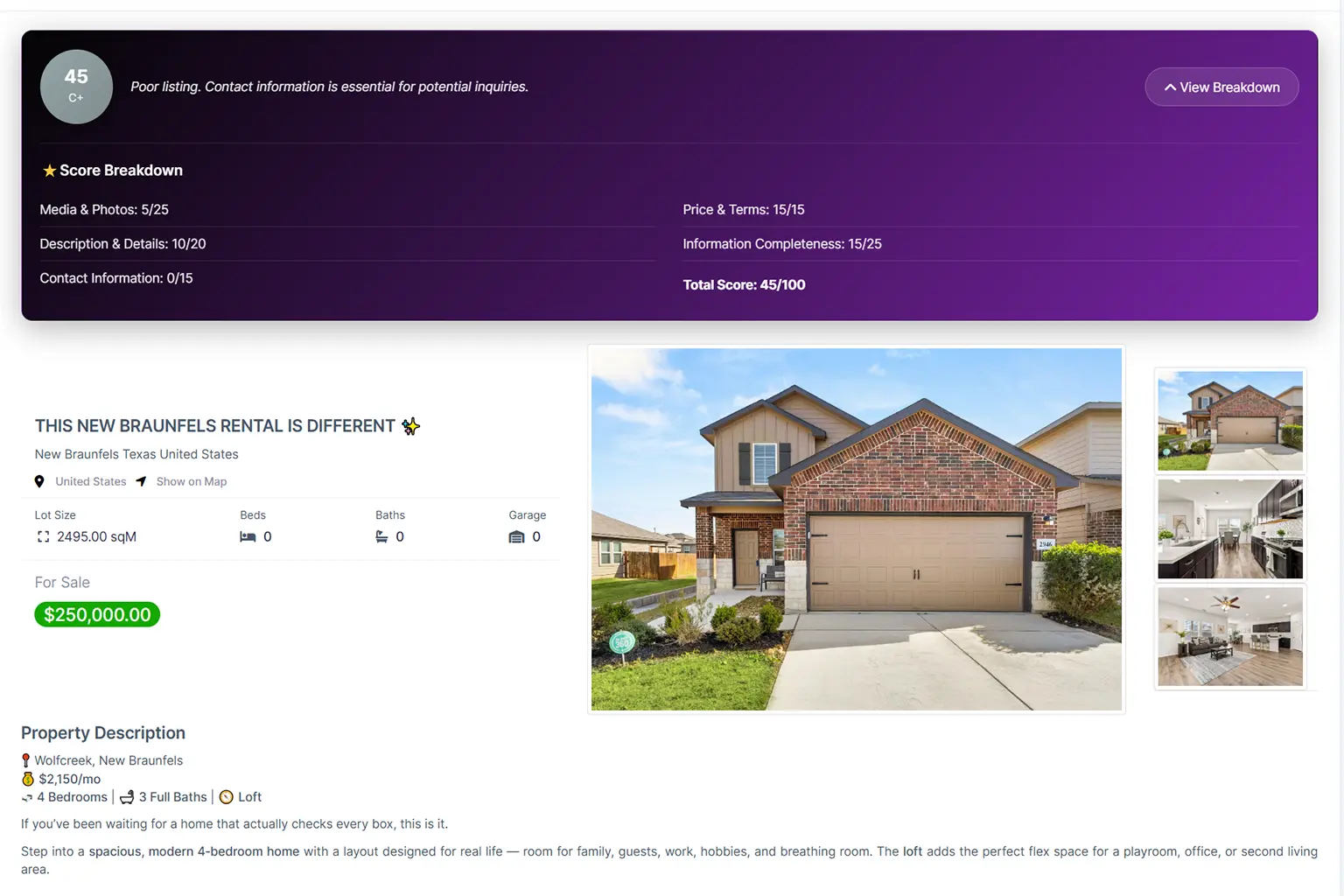
What is the Real Estate Module
The Real Estate Module is the core operational system inside Homex CRM designed specifically for property-based businesses. It centralizes property listings, owners, agents, buyers, tenants, approvals, contracts, payments, and reporting into one structured workflow.
This module allows real estate teams to manage the full lifecycle of a property — from listing creation to deal closure and financial reporting — while maintaining full transparency across sales and rental operations.
It combines:
- Property Management
- Client & Owner Management
- Deal Tracking
- Contract & Payment Control
- Team & Approval Workflows
- Performance Reporting
All data is connected in one system, eliminating spreadsheets and disconnected tools.
Who Is It For
The Real Estate Module is built for:
🏡 Real Estate Agents
Individual agents managing their own listings, clients, and commissions.
🏢 Real Estate Agencies
Small to mid-sized teams that require collaboration, approval workflows, and deal visibility.
🌆 Brokerage Teams
Multi-agent environments managing buy/sell/rent pipelines with structured reporting.
🏗 Developers
Companies managing property inventory, large-scale projects, and staged sales.
Core Workflow Overview
The Real Estate Module follows a structured lifecycle:
Property → Client → Deal → Contract → Payment
1️⃣ Property
A property is created in the system with full metadata:
- Property Code (e.g., MLS#000001)
- Transaction Type (Sale / Rental)
- Status (New, Active, Sold, Pending Sale, etc.)
- Location (City, State, Country)
- Property Type & Style
- Price & Reservation Payment
- Owner information
- Technical and legal details
- Latitude & Longitude
- Availability Date
- Commission & Contract Payment data
Each property can be filtered by:
- Status
- Transaction Type (Sale/Rent)
- Min/Max Price
- City / State
- Online availability
2️⃣ Client
Clients enter the system as:
- Buyers
- Tenants
- Investors
- Companies
They may submit:
- Buy Requests
- Rental Requests
Each request is linked directly to a property and tracked with:
- Request Number (e.g., REQ20260211210121)
- Status (Draft, Approved, etc.)
- Expected Buy Date
- Contract & Invoice references
3️⃣ Deal
A deal begins when a request moves forward.
Statuses include:
- New
- Pending
- Approved
- Pending Sale
- Closed Sale
- Sold
- Rented
- Cancelled
- Withdrawn
- Expired
- Temp Off Market
- Backup
This ensures every opportunity is visible and measurable.
4️⃣ Contract
Once approved:
- A contract is generated
- Contract amount is defined
- Lease terms (for rentals) are recorded
- Contract expiration can be tracked
Each contract is linked to:
- Property
- Client
- Owner
- Agent
- Payment record
5️⃣ Payment
The final stage includes:
- Invoice generation
- Payment tracking
- Commission calculation
- Financial overview dashboards
The system tracks:
- Sale Income
- Rental Income
- Reservation Payments
- Maintenance Fees
- Contract Payments